
Audiobook Co-op
Every Audiobookshelf server you use, read and listened to as one library.
Get it on Google Play App Store: in review
Disclosure: we may earn a commission when you buy through shop links in this app or on this site, at no cost to you. As an Amazon Associate I earn from qualifying purchases.
What it does
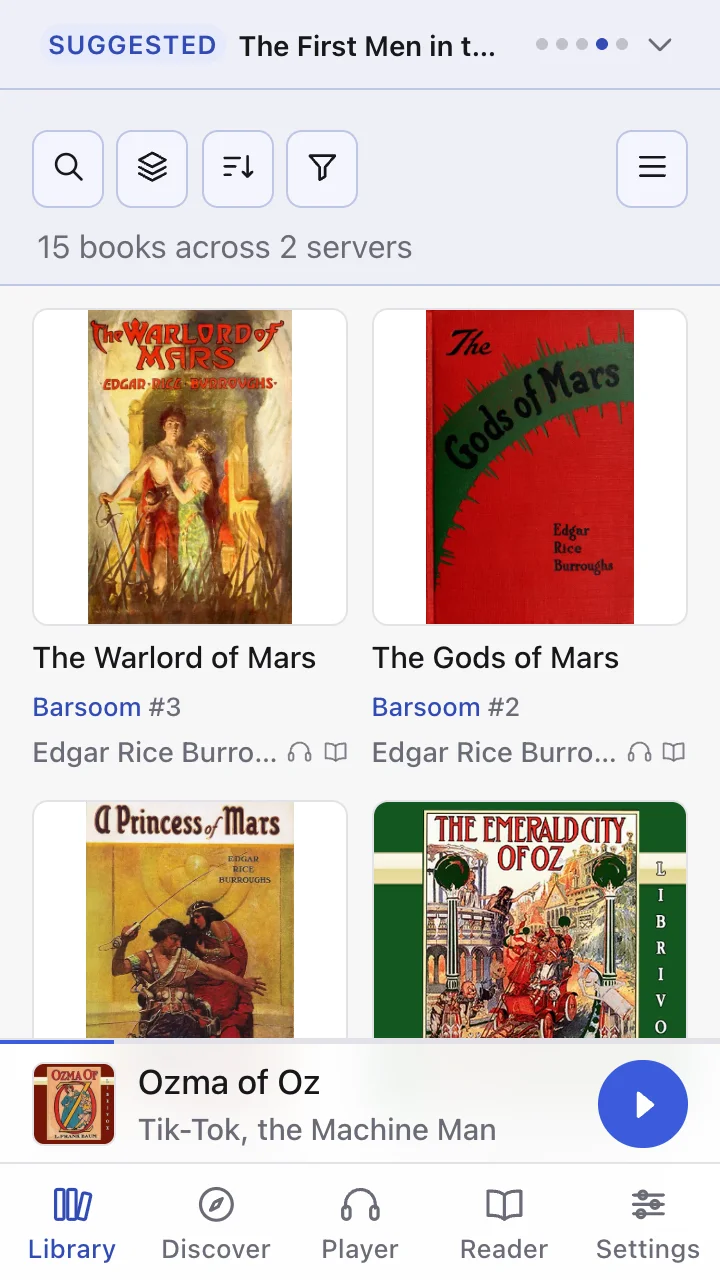
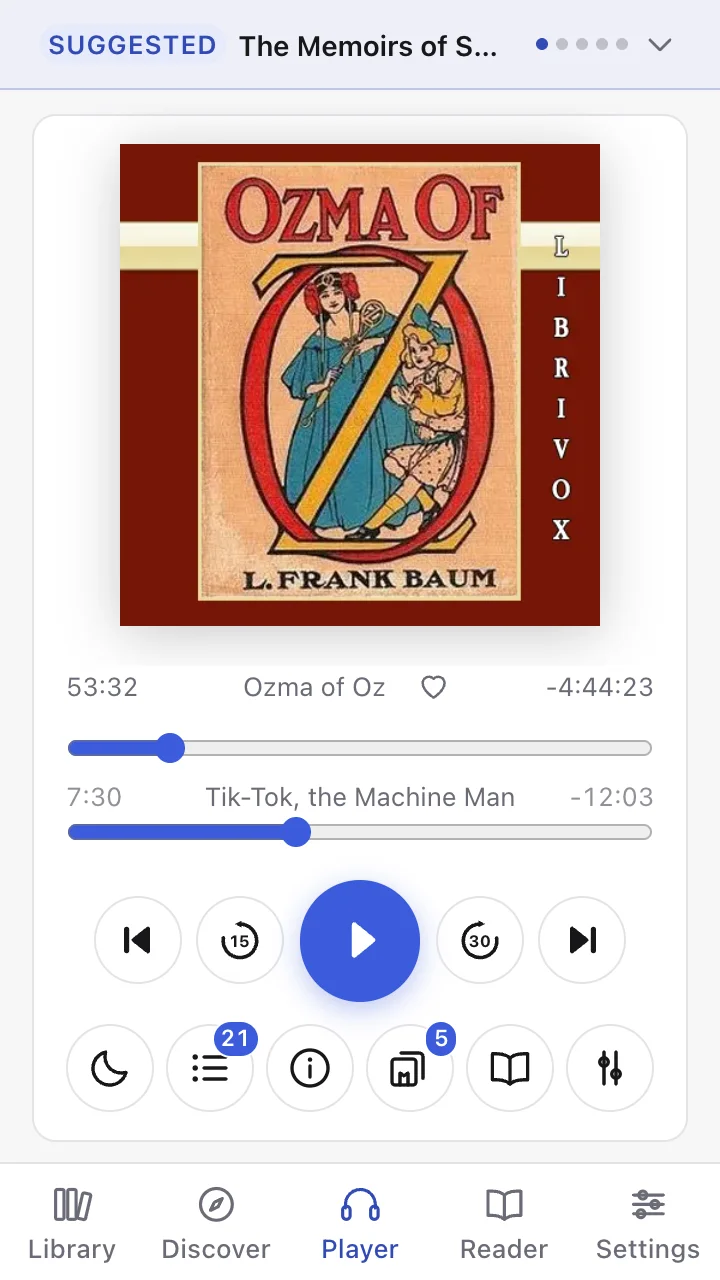
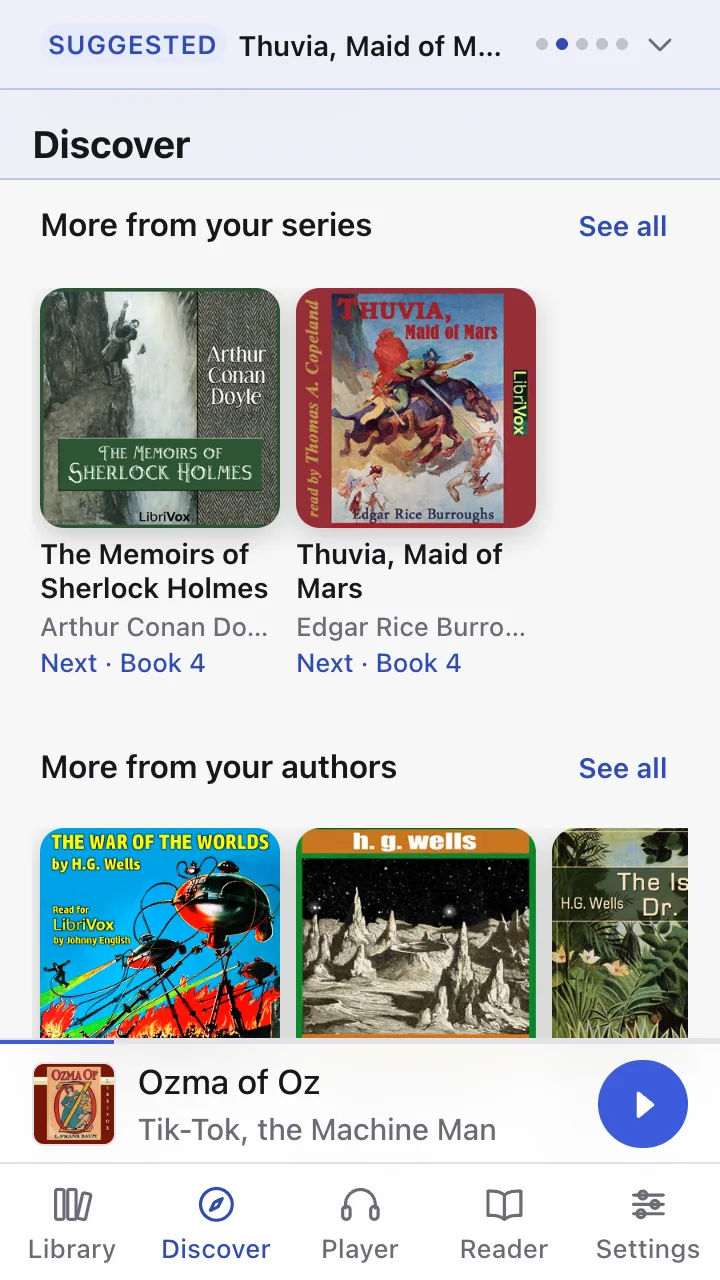
Audiobook Co-op is a player and reader for Audiobookshelf, the self-hosted audiobook and ebook server. Add every server you have access to — your own, a family member's, a friend's — and it shows them as one library rather than a list of places to go looking.
One library
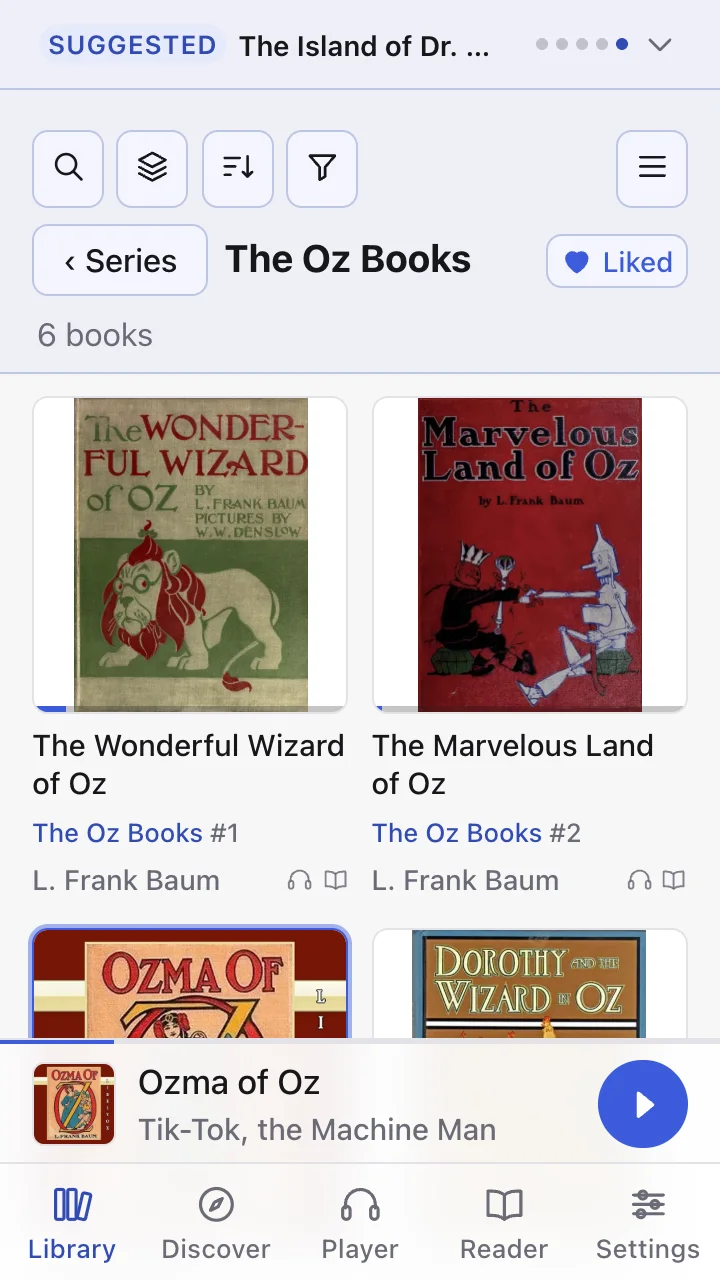
A book held on two servers appears once. A series split across servers reads as one series, in order, whichever server each book is on.
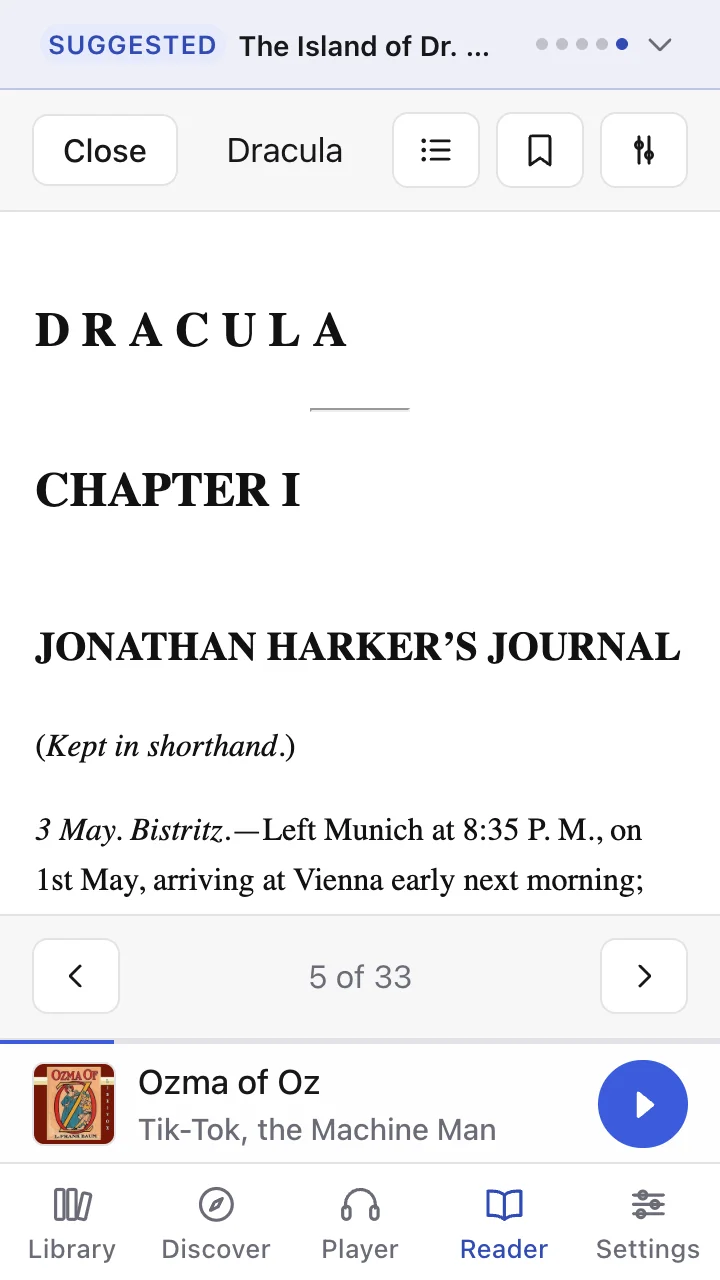
Listen or read
An ebook reader for EPUB, PDF and comics sits beside the player, and the audiobook keeps playing while you read.
Offline
Download books to the device. Playback keeps going with the screen locked and answers lock-screen and headphone controls.
Hands off your library
It never changes files or metadata on your server. It writes only your listening progress: position, finished, sessions.
Made to fit the way you listen
Customisation is one of the app's main aims. People listen and read in very different ways, so as much as possible is yours to set rather than decided for you — and it is all in the free tier.
- Look and size — light, dark or follow the device; choose the accent colour; scale the text and controls up or down.
- Library — list or grid, sort by title, author, series, publication date or date added, filter, and save the view you like as the default.
- Where it opens — pick which tab the app starts on.
- Listening — speed that stays set, a sleep timer with your own default length, and a choice of what happens when a book finishes.
- Each book — which server's copy to play when a book is on more than one.
- Reading — text size and page theme in the reader, independent of the rest of the app.
Price
Free with one server, with the player, the reader, downloads and your position kept across devices all included. Reading several servers as one library is a one-time purchase. No subscription.
| Google Play | App Store | |
|---|---|---|
| One server, everything the app does | Free | Free |
| Two servers, merged | $2.99 | $2.99 |
| Every server, merged | $6.99 | $6.99 |
| Family — every server, shared with up to five others | — | $19.99 |
Prices in US dollars; each store shows the local price. Family costs about the same as three “every server” unlocks, so it saves money for four people or more. It is App Store only: Google Play has no way to share an in-app purchase with a family.
Buy what you need now, upgrade later
Start with the smallest option that covers you today. If you add servers later, upgrade for exactly the difference — you never pay more to climb from two servers to every server than you would have paid to buy it outright. Family has no upgrade: it is sold only at its full price.
| Upgrade | Google Play | App Store |
|---|---|---|
| Two servers → every server | $4.00 | $4.00 |
Optional tips are also available, and unlock nothing — they are simply a way to say thank you.
What you need
At least one Audiobookshelf server you can sign in to — your own, or one someone has given you an account on. The app has no content of its own.
Privacy and support
No tracking and no account with us. Discover asks us about one series, author, narrator or finished book at a time, with nothing about who is asking; anything about your taste is shared only if you switch it on; a problem report is sent only when you write one and press send; and error reports go automatically only if you turn that on. Discover and its shop links are offered in the United States only. A shop link opens only when you tap it, in your browser or the shop's app, where the shop or its affiliate network may set cookies to credit the referral. Read the full privacy policy, or get help on the support page.
Pairs well with ABS Butler, which keeps the library on your server tidy — the job Audiobook Co-op deliberately leaves alone.